
Choose the right monitor for your first nursery
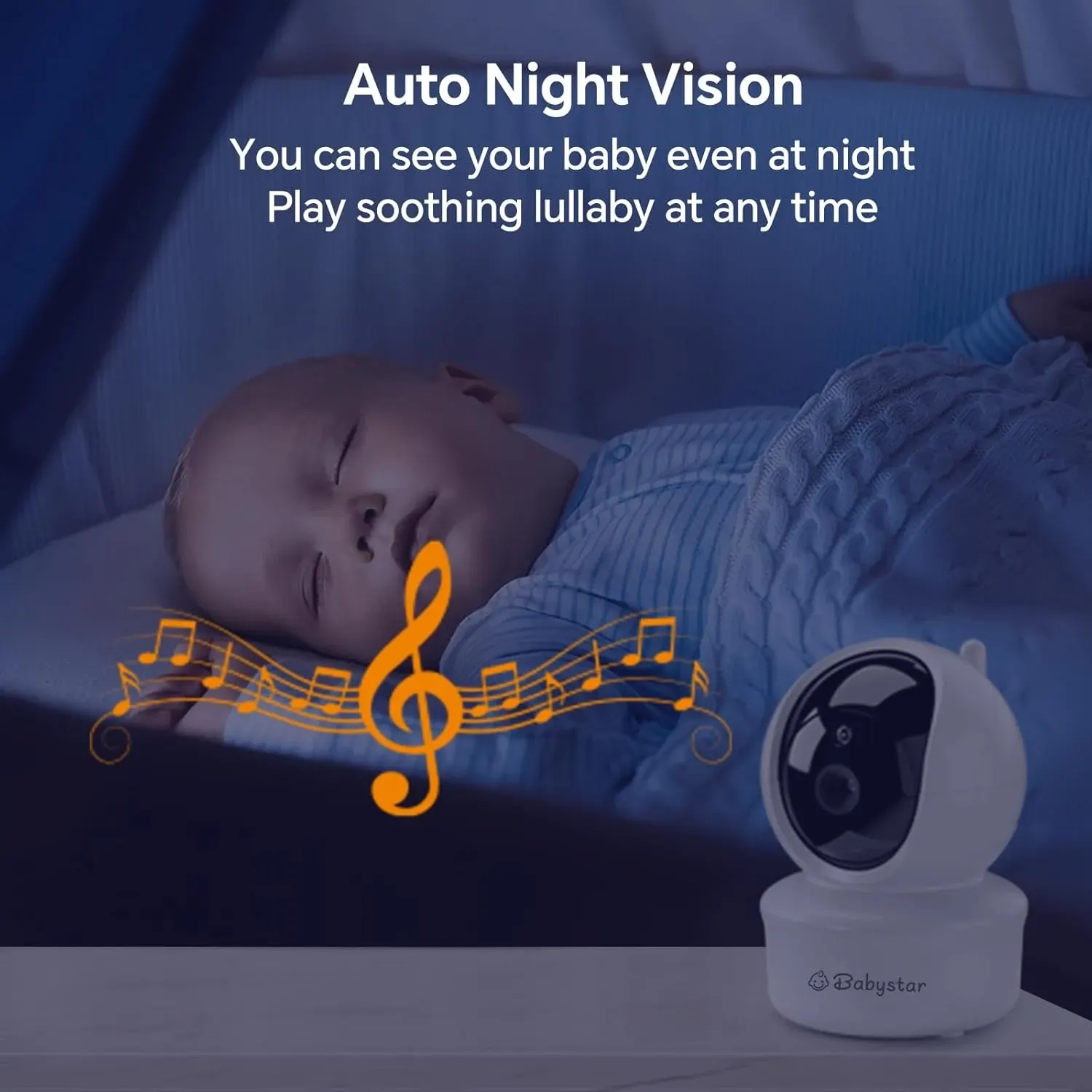
For many first-time parents, the best baby monitor for first time parents UK is a simple video-and-audio model with a separate parent screen, night vision and voice activation rather than a complicated app-based system. The Babystar SM650 offers those functions alongside no-WiFi 2.4GHz FHSS transmission, remote pan, tilt and zoom, two-way talk, soothing sounds, a temperature display and a 3000mAh parent-unit battery. Before buying, decide whether you need monitoring now or later, then check that the camera can serve the room and the parent unit suits how you move around your home.
The important decision is not whether a monitor has the longest feature list. It is whether you will understand and use the functions when you are tired, carrying a baby or settling them after a night feed. Some parents initially room-share and may not need a monitor straight away. Others want one ready for a nursery, daytime nap or a later change in sleeping arrangements. Treat the monitor as a viewing and listening aid, not as a replacement for direct checks or established safer-sleep guidance.
Match the monitor to a UK home and nursery routine
Start with the room in which you expect to use the camera. In a UK home, that might be a nursery upstairs, a bedroom across the landing or a room used for naps during the day. The SM650 is designed for nursery viewing and has a five-inch parent-unit screen, so consider where you would place or hold that screen while making a cup of tea, folding washing or sitting in another room. The product information does not state a transmission range, so do not assume that every property layout will perform identically.
Think about the moments when you want information rather than constant observation. Video can help you see whether your baby is settled, while audio lets you hear what is happening. VOX voice activation may be useful if you do not want the screen continuously illuminated, but you still need to understand how its activation and audio settings work in practice. A feeding alarm, soothing sounds and two-way talk may fit a night routine, although none of these functions should be treated as evidence that the monitor can identify a health problem.
Check the documented features before comparing prices
A useful comparison begins with named, verifiable functions. The SM650 has a camera and audio, a five-inch video monitor, no-WiFi 2.4GHz FHSS transmission, remote pan, tilt and zoom, night vision, VOX voice activation, two-way talk, soothing sounds, a temperature display, a feeding alarm and adjustable screen settings. It also has a 3000mAh battery in the parent unit. Those details tell you what the product is intended to provide, but they do not tell you the image quality in every room, the exact battery runtime or the signal performance through your walls.
Look carefully at what is not documented. The supplied facts do not list a mobile app, cloud access, recording, a stated transmission distance, camera battery operation, a wall mount, extra cameras or the contents of the kit. They also do not give a screen resolution or a quantified temperature accuracy. That distinction matters when comparing this model with another monitor. A missing detail is not proof that the product lacks the feature, but it is a reason to seek confirmation rather than build your decision on an assumption.
Decide whether no-WiFi monitoring suits your household
The SM650 uses no-WiFi 2.4GHz FHSS transmission and is described as a private, plug-and-play monitor. For parents who want a dedicated screen and do not want to add an account, app or cloud-connected camera to their nursery, that is a clear part of the proposition. It can also make the choice easier if you prefer to keep the monitor separate from phones and household smart-home equipment. The key point is that this is a local-monitoring choice, not a promise that every home will have identical signal coverage.
A no-WiFi model may be less suitable if your main requirement is checking the nursery from outside the home through a phone. The documented product information does not describe remote internet viewing or an app, so do not buy it expecting those functions. Conversely, if you want a dedicated parent unit that can be passed to a partner or grandparent without explaining a phone login, the separate screen may be more aligned with your routine. Compare the connection method with the way you genuinely expect to monitor, not with the feature list of a different type of product.
Use night vision, VOX and audio without over-interpreting them
Night vision is one of the more directly relevant features for a nursery because the parent may want to view the room without turning on a bright light. The SM650 also includes VOX voice activation, audio and adjustable screen settings. Together, these features are intended to support quieter night-time checking, but they still need sensible expectations. Night vision is a viewing function, not an assessment of wellbeing, and VOX is an activation setting rather than a guarantee that every sound or movement will be recognised.
Two-way talk can help a parent speak from another room, while soothing sounds may form part of a familiar settling routine. Neither function should be used to suggest medical monitoring or to replace going to the room when the baby needs attention. If you are comparing models, ask what each setting actually does, whether the parent unit provides the control you want and whether the instructions explain adjustment clearly. The product facts confirm these functions exist, but they do not provide performance claims about sound sensitivity, speaker volume or the effectiveness of any soothing sound.
Check the camera view and parent-unit fit at your bench
Remote pan, tilt and zoom are practical considerations when the camera needs to cover more than one angle in a nursery. They may help you adjust the view from the parent unit instead of physically moving the camera, but the supplied information does not state the viewing angle, zoom level or mounting method. Before ordering, identify the place from which you need to see the cot or nursery area and check whether the camera can be positioned there as intended. Do not assume that remote movement solves every placement problem.
The five-inch parent-unit screen is another fit question rather than a universal advantage. Some parents may find that size comfortable for a quick check; others may prefer a different screen arrangement or may rely more heavily on audio. Adjustable screen settings could help you tailor how the display behaves, although the exact adjustments are not listed. If grandparents or another carer will use the monitor, include them in the decision. A feature is only useful if the person holding the parent unit understands what they are seeing and hearing.
Spot the mismatches before buying a budget monitor
The SM650 is listed at £49.99, which may appeal when the nursery list already includes a cot, pram, car seat and other essentials. A lower listed price does not by itself show that it is the right choice, however. The documented information does not include reviews, performance testing, range measurements, battery runtime, image-resolution figures or a detailed kit list. If any of those points is essential to you, treat them as unanswered questions rather than filling the gaps with optimistic assumptions.
This monitor may be a mismatch for parents who specifically need internet viewing, phone notifications, recording or a stated long-distance signal. Those functions are not documented here. It may also be the wrong choice if you need multiple cameras, a particular mounting arrangement or detailed environmental accuracy, because those capabilities are not confirmed. Avoid buying it as a substitute for a medical or safety device. The temperature display can show a room reading, but the product facts do not establish medical accuracy or guarantee that nursery conditions are suitable.
Run this first-time-parent comparison checklist
Use the following sequence before you compare the SM650 with another monitor. First, write down the room and the times you expect to use it, such as a nursery upstairs or a daytime nap space. Next, check the documented content: camera, audio, five-inch screen, no-WiFi 2.4GHz FHSS transmission, remote pan, tilt and zoom, night vision, VOX, two-way talk, soothing sounds, temperature display, feeding alarm, adjustable screen settings and 3000mAh parent-unit battery. Then mark which of those functions solves a real problem for you.
After that, check the unknowns against your own layout and expectations. Confirm how the camera is powered and positioned, because the supplied kit contents and usage steps are not listed. Check whether the monitor's local transmission suits the rooms between the nursery and where you will sit, since no range is stated. Consider whether the five-inch screen is enough for your viewing habits, whether the parent-unit battery fits your routine and whether you need app access or recording. Finally, compare the total feature fit rather than choosing on price alone.
Take a grounded next step for your nursery
If your priority is straightforward nursery viewing and listening without Wi-Fi, the Babystar SM650 is worth shortlisting because its documented specification directly covers video, audio, night vision, VOX, two-way talk and a dedicated parent unit. Its pan, tilt and zoom may also suit a room where you want to adjust the view remotely. Before committing, write down the one or two situations in which you expect to use it and check the missing practical details, especially camera placement, power, local signal suitability and what arrives in the box.
If your requirements instead centre on phone access, recordings, multiple cameras or a quantified range, pause and compare another type of monitor rather than hoping this model provides undocumented capabilities. If you are still unsure because the baby will initially sleep in your room, you can separate the question of whether you need a monitor immediately from whether this feature set fits your later nursery routine. A calm, documented comparison is more useful than buying a monitor simply because other parents recommend one.