
Choose the right kind of baby monitor for your UK nursery
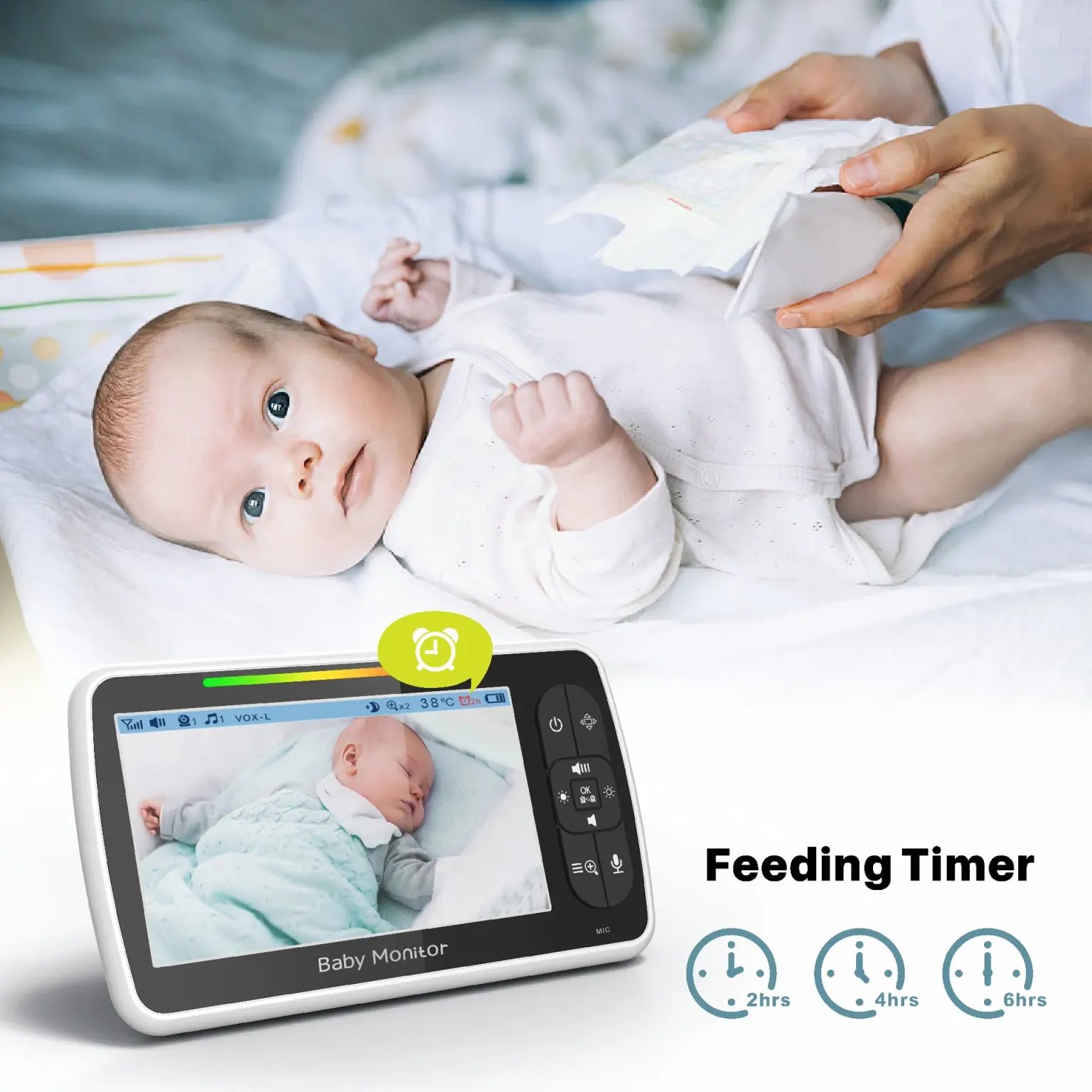
If you want a baby monitor without WiFi UK shoppers can understand and use without an app, look for a camera-and-parent-unit system with a direct wireless connection, night vision, audio and a screen you can check from another room. The Babystar SM650 matches that basic brief: it has a 5-inch parent display, camera and audio, 2.4GHz FHSS transmission, remote pan, tilt and zoom, night vision, VOX voice activation and two-way talk. Before buying, confirm that this type of monitor suits your current sleeping arrangement and the room where you expect to use it.
The main decision is not whether every available feature sounds useful. It is whether you need a simple visual and audio link between a nursery and a parent elsewhere in the home. A first-time parent may begin with the cot in the same bedroom, then move towards using a monitor when the baby sleeps in a separate nursery. A monitor can therefore be a practical later purchase rather than an urgent item for the first night. Decide which room, viewing position and routine you are planning for before comparing screen size, camera movement and night-time functions.
Match the monitor to the way a UK home is arranged
A monitor is easier to judge when you picture the actual journey between rooms. In a terraced house, a flat or a semi-detached home, you may want to look towards the cot while preparing a bottle in the kitchen, folding washing near the nursery or settling an older child in another room. The Babystar SM650 uses a separate parent unit rather than relying on a phone app, so the relevant question is whether a dedicated screen fits naturally into those moments. Consider where the parent unit will sit, where the camera can be placed and how its power arrangement will work in the nursery.
The remote pan, tilt and zoom functions are relevant when the camera needs adjustment without walking back into the room. They may also help when the nursery layout changes, although the product information does not specify a viewing angle, transmission range or mounting method. Do not assume that a moving camera will solve every placement problem. Check the supplied instructions and the physical arrangement of the cot, furniture and sockets before relying on it. The camera should give you a useful view from the intended position, rather than simply offering impressive controls on the specification.
Check the documented features against your night-time job
Start with the task you want the monitor to handle. If you need to see whether the baby is settled and hear sounds from the nursery, the SM650 provides video and audio on a 5-inch screen. Night vision is intended for viewing in darker conditions, while VOX voice activation can make the screen respond to detected sound rather than remaining continuously prominent. Two-way talk allows communication through the monitor, and soothing sounds are included for night routines. These are practical functions to compare, but they should be judged by whether they fit your habits rather than treated as guarantees of perfect monitoring.
A temperature display can provide a room reading on the parent unit, and the monitor also includes a feeding alarm. Treat both as convenience features that need to be understood in context. The available facts do not state the temperature sensor's accuracy, alert limits or calibration, so do not use the display as a medical measure or as proof that a room is suitable. Likewise, a feeding alarm can remind you about a planned routine, but it does not decide when a baby needs feeding. Read the instructions so every setting has a clear and realistic purpose.
Compare no-WiFi transmission with the setup you actually want
The defining point of this baby monitor without WiFi UK search is the connection method. The SM650 is described as using 2.4GHz FHSS transmission with no WiFi connection, offering plug-and-play monitoring through its camera and parent unit. That can appeal if you do not want to connect a nursery camera to a home network or manage an app. It also means you should expect the parent unit, rather than a phone, to be central to the experience. Decide whether that dedicated screen is convenient for your household and whether each person who may use it understands the controls.
No-WiFi does not automatically mean that the product will suit every home. The published product facts do not give a transmission distance, wall performance, interference testing or a promise that the signal will work throughout a particular property. If the nursery is upstairs or at the far end of the house, check the manufacturer's instructions and test the intended position before settling on a permanent arrangement. The useful comparison is therefore not 'WiFi versus no WiFi' in the abstract; it is whether this documented connection style meets your rooms, routine and need for a separate parent display.
Spot the limits before you buy for a nursery or cot
A careful buyer should notice what is not documented as well as what is listed. The product information confirms a 3000mAh parent-unit battery, but it does not state the operating time, charging time or whether the camera itself is battery-powered. It confirms a 5-inch screen, but not its resolution, brightness or viewing angle. It lists night vision, but not the distance or image detail available in darkness. Those omissions are not reasons to reject the monitor automatically; they are prompts to check the full instructions or ask the retailer a specific question before purchase.
This model may be a mismatch if you specifically want remote viewing while away from home, phone notifications, cloud recording, multiple-camera support or a smart-home connection. None of those functions is included in the documented facts. It may also be unsuitable if you need a monitor with a stated long-range performance, a confirmed mounting system or detailed temperature alerts, because those specifications have not been provided here. Do not buy based on an assumption that a camera with pan, tilt and zoom must include every advanced feature found on app-connected products.
Use this five-point buying checklist at the nursery bench
Work through the following checklist before placing the monitor beside a changing table or taking it into the nursery. First, check the job: do you need video and audio from another room, or are you buying before a monitor is useful in your current sleeping arrangement? Second, check the connection: is a no-WiFi 2.4GHz FHSS system and dedicated parent unit what you want? Third, check the view: will the camera's remote pan, tilt and zoom help with the intended cot position? Fourth, check the night routine: are night vision, VOX, two-way talk and soothing sounds relevant to how you settle and listen? Fifth, check the missing details: confirm power, range, placement and screen performance from the instructions.
This checklist keeps the decision tied to facts rather than anxiety. The SM650 documents the 5-inch screen, camera and audio, no-WiFi transmission, camera movement, night vision, VOX, two-way talk, soothing sounds, temperature display, feeding alarm, adjustable screen settings and 3000mAh parent-unit battery. It does not document range, resolution, battery duration, mounting, waterproofing or app features. Write down any unanswered question and resolve it before buying. If your main requirement is a straightforward nursery screen without internet setup, the listed functions may be relevant; if your requirement depends on an undocumented feature, pause and verify it.
Set expectations for parents, grandparents and night checks
A separate parent unit can be easier to hand to a partner or grandparent than an app that requires a login, notification settings and a compatible phone. The 5-inch screen, adjustable screen settings and audio functions give you a defined place to look and listen. That can make the monitor feel less like another household technology project, particularly during a late feed or an unsettled evening. Still, everyone using it should understand what VOX does, how to adjust the sound and how to interpret the picture. A monitor is only useful when the people responsible for the baby know how to operate it.
Keep the product's role narrow and clear. The documented features describe nursery viewing, listening and communication; they do not describe medical monitoring or a guarantee of safety. A temperature display is not a health assessment, night vision is not a substitute for a physical check and two-way talk does not replace going into the room when you need to care for the baby. Use the monitor as one practical aid within your routine, while following appropriate safer-sleep advice and checking the baby directly when that is what the situation calls for.
Take the next step with a written room-and-feature comparison
Before choosing a baby monitor without WiFi UK families can use confidently, write two short lists for your own home. On the first, record the nursery location, the rooms from which you want to listen or view, whether the parent unit is preferable to a phone and when the monitor is likely to become useful. On the second, mark each documented feature as essential, helpful or irrelevant: 5-inch display, audio, 2.4GHz FHSS no-WiFi transmission, pan, tilt, zoom, night vision, VOX, two-way talk, soothing sounds, temperature display, feeding alarm, adjustable screen settings and the 3000mAh parent-unit battery.
Then check every gap that could change your decision: operating range, battery duration, camera power, placement or mounting, screen detail and the exact behaviour of VOX. If the answers fit your room and the monitor's purpose remains simple nursery viewing without an internet connection, you have a sensible basis for comparing it with other models. If you need app access, away-from-home viewing or a documented specification that is absent, choose a product whose published facts directly cover that job instead of hoping the missing feature is included.